LynxPrompt





LynxPrompt is a self-hosted web app that turns one set of AI coding rules into the file each tool reads: AGENTS.md, CLAUDE.md, .cursor/rules/, Copilot instructions, 30 rule-file formats in all, plus slash commands for six of them. A wizard writes the rules from your stack, blueprints let a team share them with variables, and the CLI and the VS Code extension put the files into every repository.
This site is about running your own instance: start with Docker Compose, then the settings, the CLI and how it is built. The product manual (the wizard step by step, blueprints, the CLI and API reference) is a separate site at lynxprompt.geiser.cloud/docs, and lynxprompt.geiser.cloud is a hosted instance you can try without installing anything.
-
Three commands start the app and PostgreSQL, and the Mailpit link signs you in. A Helm chart covers Kubernetes.
-
How the magic link works, how to read it without a mail server, and what the dashboard looks like when it worked.
-
The CLI and the VS Code extension
lynxp wizard,pull,pushanddiffagainst your instance, and the same from inside VS Code. -
Every setting with its default, and the five you need for sign-in.
The web app
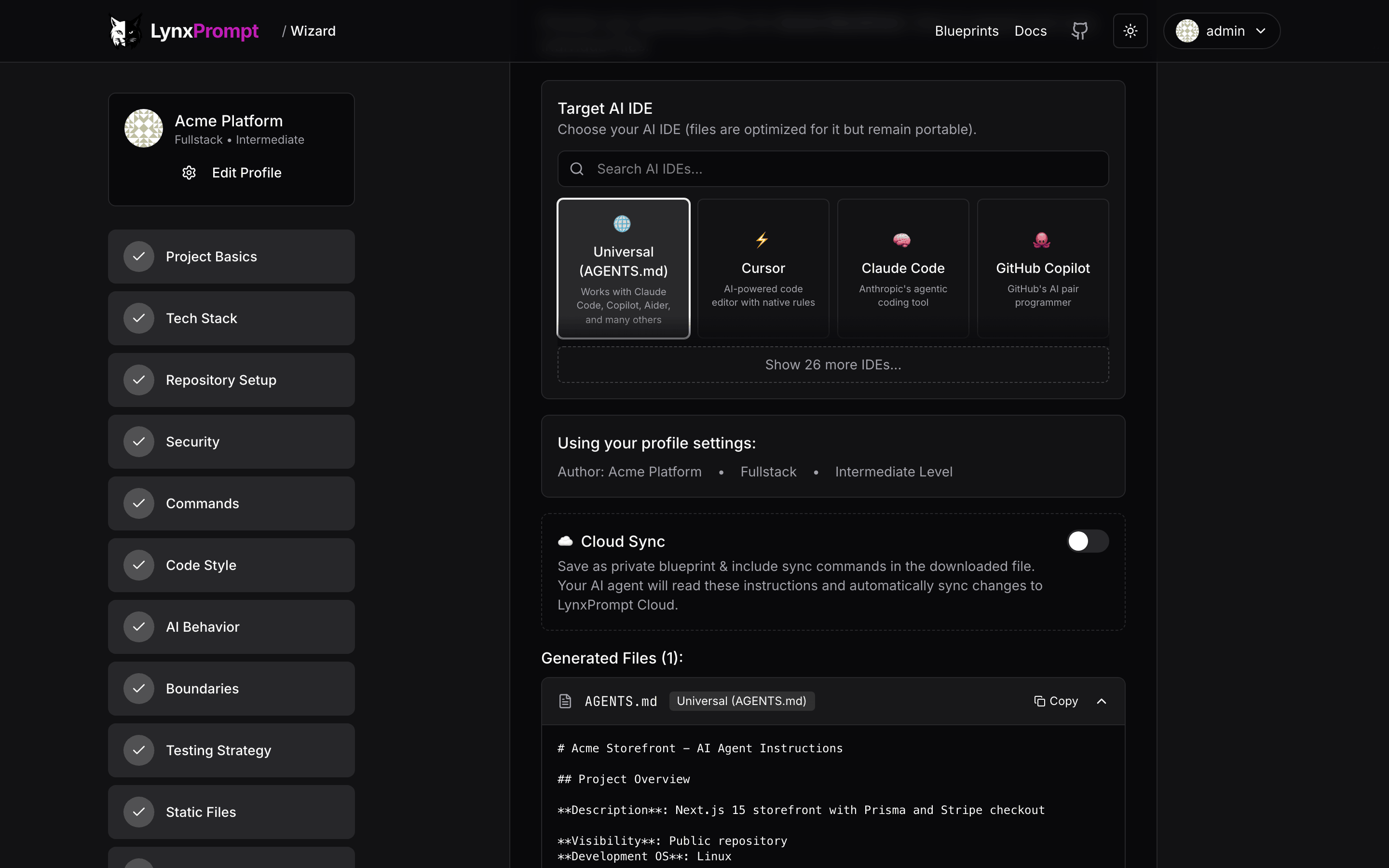
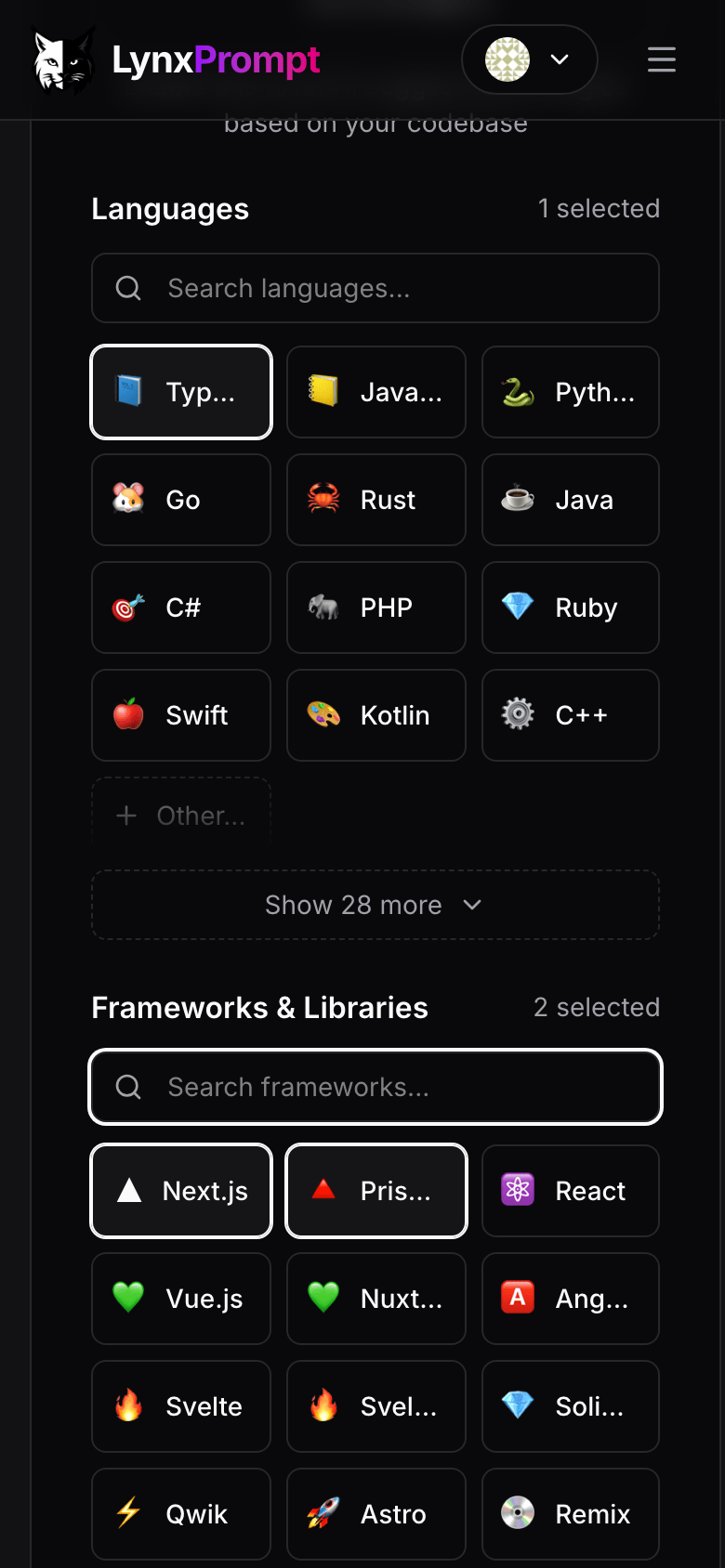
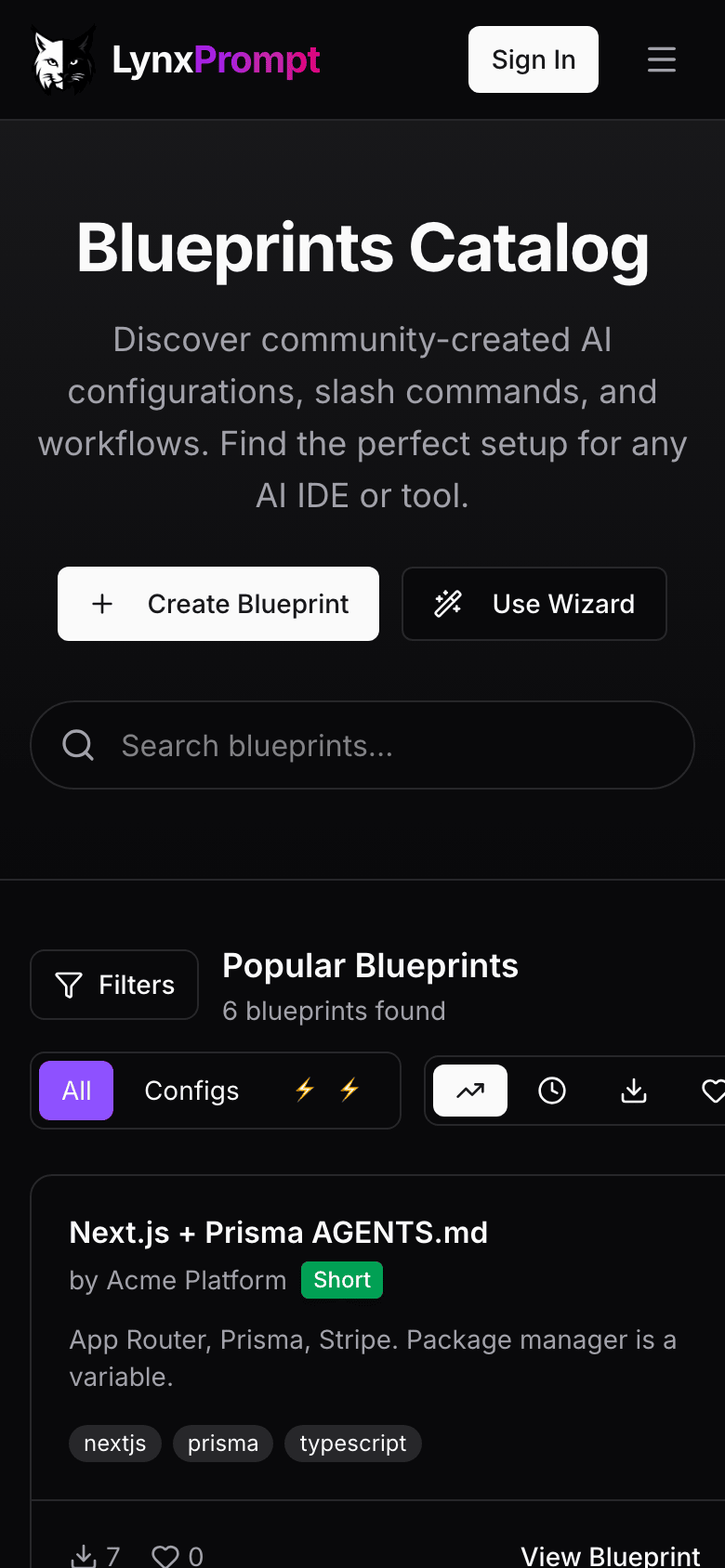
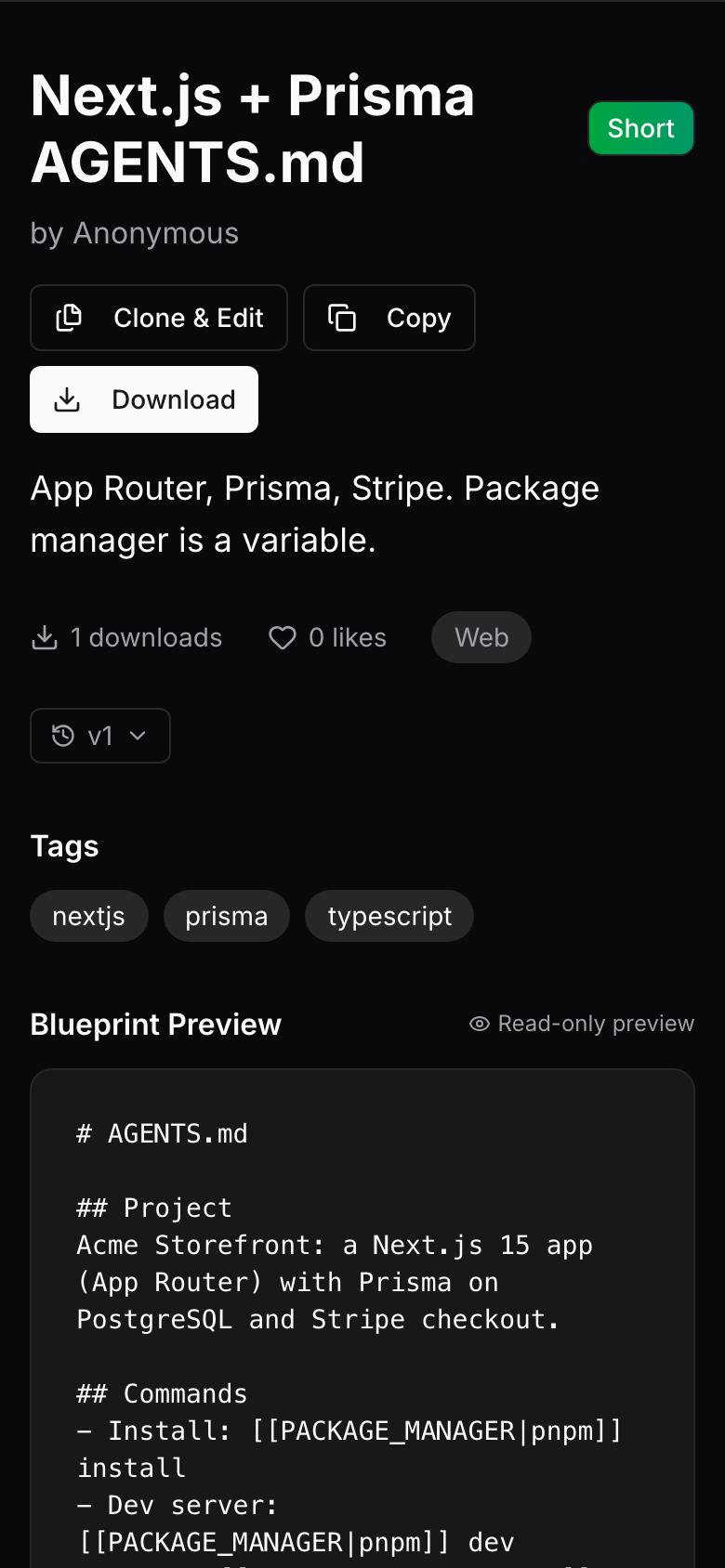
The wizard asks about the project, the stack, the commands, the code style and the boundaries, then writes the files for the tools you pick. Usage walks through the wizard, the blueprint pages, the dashboard and teams.
What it does
- Keeps one set of rules for 26 coding agents in one
AGENTS.md, with an import, a config or a full copy for the tools that do not read it directly (the list is in Features), plus slash commands for 18 of them. - Builds those rules in a 12-step wizard on the web, or with
lynxp wizardin a terminal;lynxp analyzereads an existing repository first. - Keeps blueprints with
[[VARIABLE|default]]placeholders, so one blueprint fits many projects. Each blueprint is private, shared with a team, or public. - Gives a team its own page and its own blueprints. An opt-in federation lists the instances that join in a shared directory.
- Manages hierarchical
AGENTS.mdfiles for monorepos, from the dashboard, the CLI (lynxp hierarchies) and the API. - Serves the same data to the CLI, the VS Code extension and a REST API with per-token roles.
- Signs users in with a magic link, passkeys, GitHub or Google OAuth, or OIDC SSO; each is one environment variable.
- Edits blueprints with Claude when you set your own Anthropic API key; off by default, and everything else works without it.
How it runs
flowchart LR
    BR[Browser]
    CLI[lynxp CLI<br/>VS Code extension<br/>GitHub Action]
    subgraph app [lynxprompt container, port 3000]
        WEB[Next.js app and API]
        MIG[prisma migrate deploy on start]
    end
    DB[(PostgreSQL<br/>app, users, blog, support schemas)]
    SMTP[Your SMTP server<br/>sign-in mail]
    OPT[Optional: GitHub or Google OAuth,<br/>SSO provider, Anthropic API]
    FED[Other instances<br/>public blueprints]

    BR <--> WEB
    CLI <-->|API token| WEB
    WEB --> DB
    MIG --> DB
    WEB --> SMTP
    WEB -.-> OPT
WEB <-.-> FED- The image is
drumsergio/lynxprompt, built for linux/amd64 and linux/arm64, running as user id 1001. - Migrations run every time the container starts (
prisma migrate deployon the four schemas), so an upgrade is a tag change anddocker compose up -d. - The self-host compose file runs one PostgreSQL server with one database per schema (
lynxprompt,lynxprompt_users,lynxprompt_blog,lynxprompt_support). See Components. - The CLI and the extension talk to
/api/v1/with an API token you create in Settings. See How it works.
What it does not do
- It does not send mail by itself. The default login is a magic link, so a real deployment needs the five
SMTP_*variables; the Mailpit file is only for trying it out. - It does not run your AI tools. It writes the files they read.
- It does not edit with AI unless you give it an Anthropic API key.
Privacy
- Accounts, blueprints, drafts and teams live in your PostgreSQL; avatars, team logos and blog images live in the
uploadsvolume. Back up both volumes and you have everything. - Every other outside service is off until you switch it on with an environment variable: SMTP for sign-in mail, GitHub and Google for OAuth, an SSO provider, Anthropic for AI editing, Cloudflare Turnstile, Umami analytics. The exception is Gravatar: an account without a profile picture shows a Gravatar image, so browsers request
gravatar.comwith a hash of that account's email address. See Configuration. - Federation is off by default. With
ENABLE_FEDERATION=true, at start and every six hours the instance sends its domain (the host ofAPP_URL) to the registry at lynxprompt.geiser.cloud, and/.well-known/lynxprompt.jsonanswers with its name, version and number of public blueprints./api/v1/federation/blueprintslists the name, description, tags and author of public blueprints; nothing private is listed, and no blueprint content is sent anywhere. Unless it is turned on, the instance makes no call to the registry. - The security policy is in SECURITY.md.
Getting help
- If something is broken, read Troubleshooting, then open an issue with the details in Reporting a bug.
- To report a security problem, follow the security policy and do not open a public issue.
- The releases page lists what changed in each version.
- To send a fix or a feature, read Development and CONTRIBUTING.md.
License
LynxPrompt is released under the AGPL-3.0-or-later license.