hark-viewer



hark-viewer shows a call's transcript in the browser while hark, the macOS command line that records system audio and the microphone and transcribes them on-device, is still writing it. Without it you read a growing JSON file, and a capture that lost the call side looks like a quiet call, because hark can go on reporting recording. hark-viewer gives every speaker a colour and every line a clock time, puts Record, Stop, Pause and Mute on the same page, says so when the capture dies, and records on into the same call folder. Start with Getting started, then Usage.
-
macOS 14.4 or later on Apple Silicon, hark 0.4.3 with the Parakeet model, and a clone. Nothing to build or install.
-
One command, the two macOS permissions it asks for, and what the page shows once it records.
-
Every command, the three URL options of the page, and the folder each call is filed in.
-
Every setting with its default, from the port to the timeouts.
The page
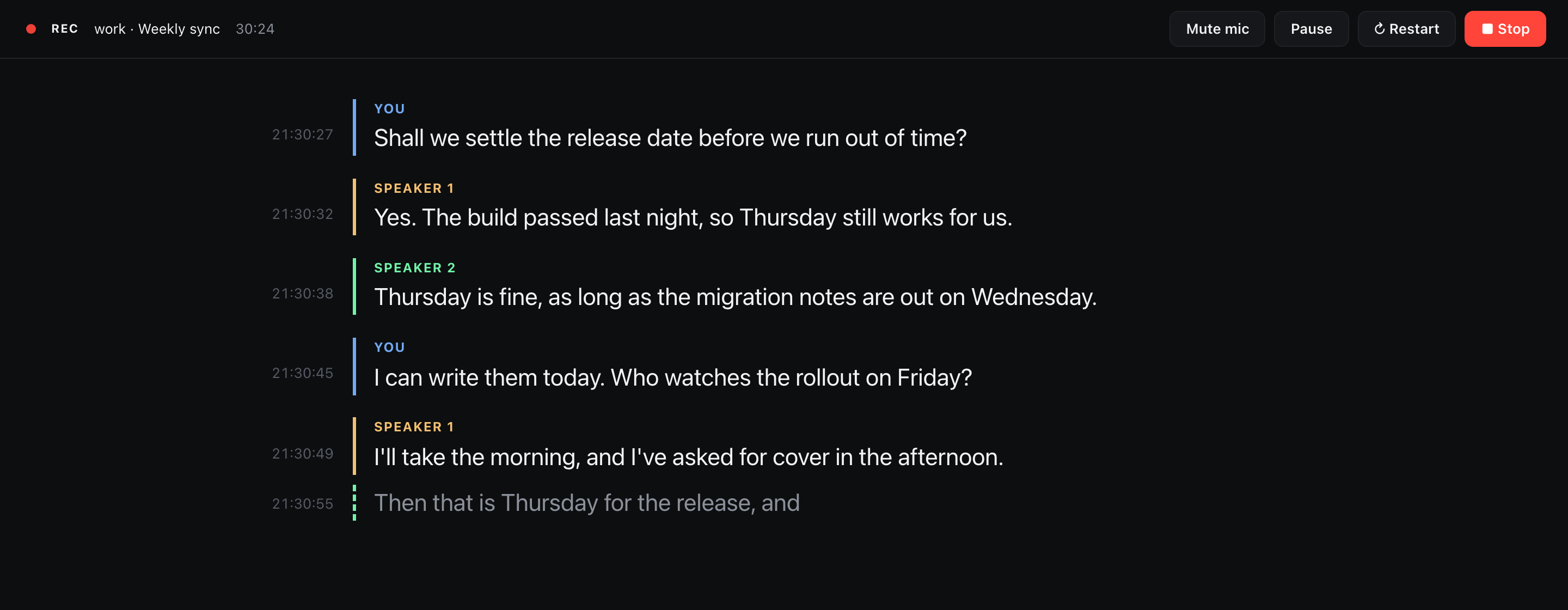
A line appears a moment after its speaker pauses, labelled You for your microphone and Speaker 1..N for voices on the computer side. When hark can stream, the line still being spoken shows in grey under the finished ones.
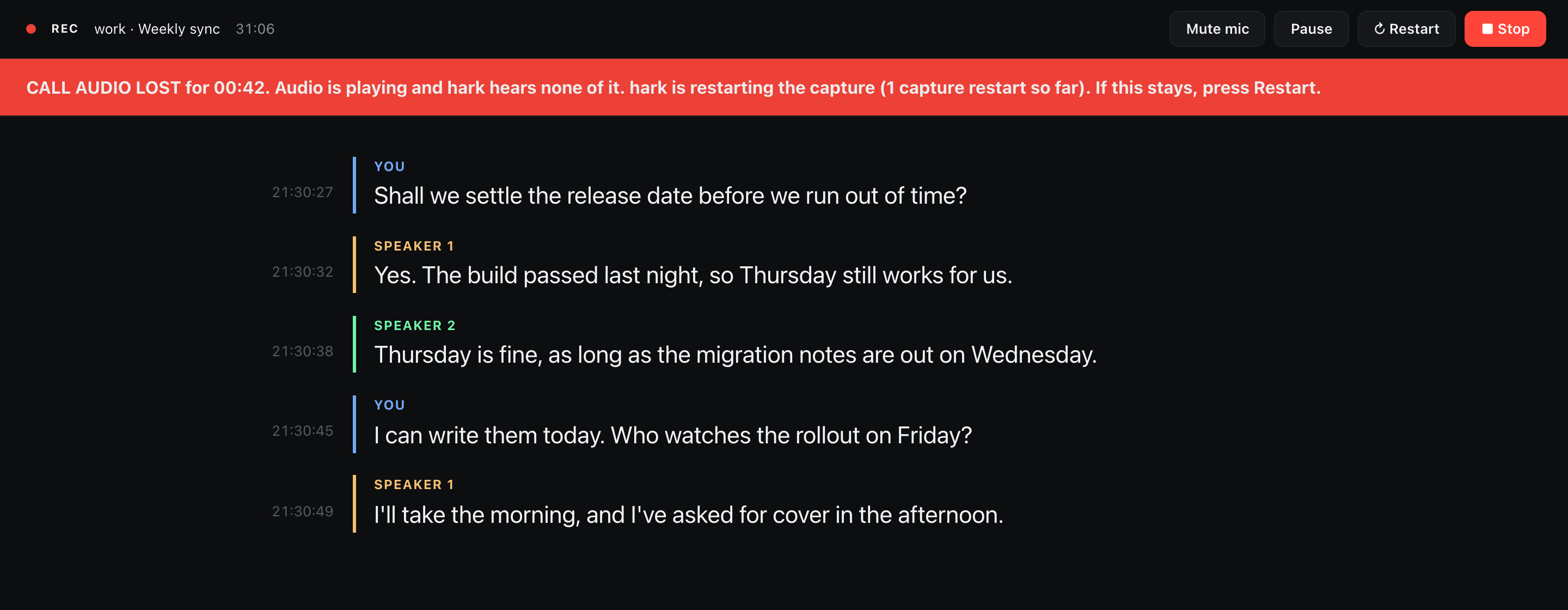
When the capture dies the page says so, in red when hark proves it and in amber when it can only guess, and Restart records on into the same call folder, so one call stays one folder on one clock (Troubleshooting).
Ask an agent during the call
The repository is also an agent skill. Clone it into ~/.claude/skills/record-call and /record-call in Claude Code starts a recording. While the call runs, ask the agent what was just said or what was decided, and it reads the live transcript before it answers. See As an agent skill.
After the call
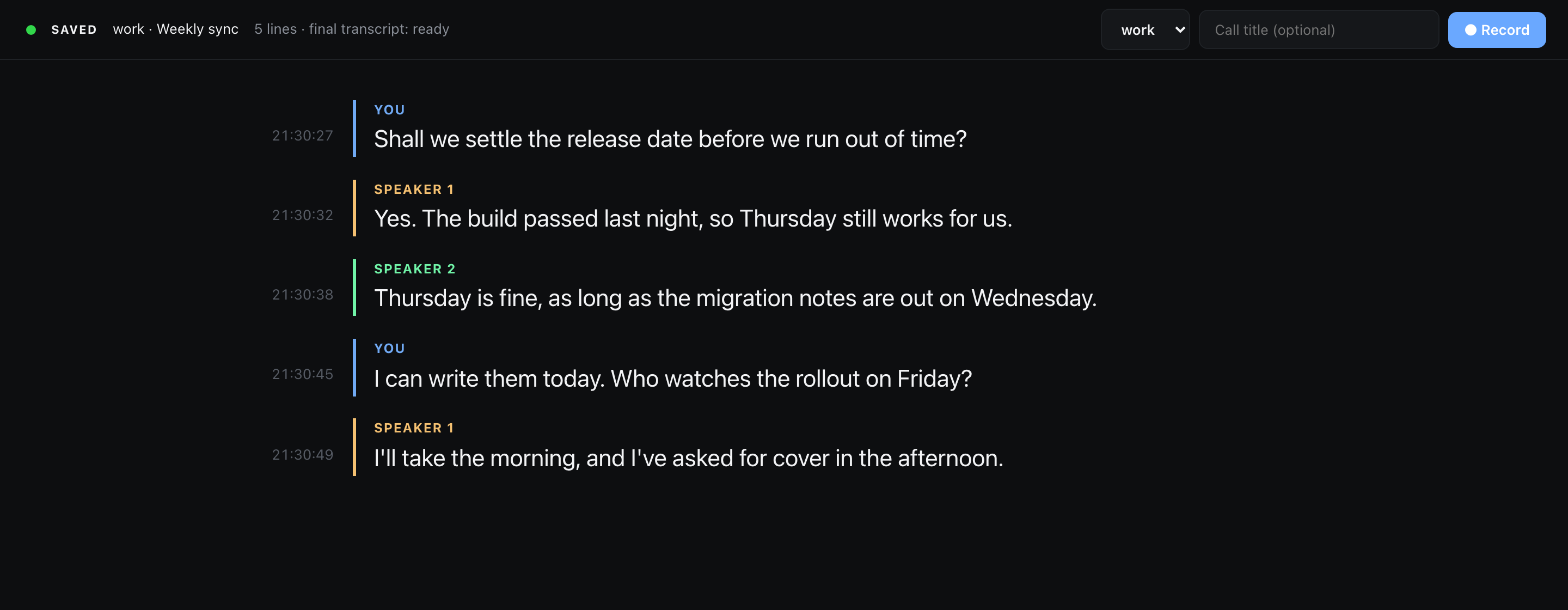
- The accurate transcript is written on its own once the call stops, from the whole recording, into
transcript.final.json. Its call side needs a hark newer than 0.4.3; on 0.4.3 it hears the microphone alone and says so (why). ./hark-viewer relabelfixes the live speaker numbers with a diarizer that hears the whole call at once../hark-viewer languagessays which languages the call was in, using Apple's on-device language recognizer.
How it runs
flowchart LR
    B[Browser page]
    S[server.py<br/>one standard-library Python file]
    H[hark agent<br/>remote control]
    F[(Call folders<br/>~/Recordings/calls)]
    B <-->|127.0.0.1:8474| S
    S <-->|127.0.0.1:8473| H
    H -->|writes audio and transcript| F
S -->|reads| F- The server serves the page and the call folders, and passes Record, Stop, Pause and Mute on to hark's agent, which it starts when it is not running. How it works has the API.
- Every call gets its own folder with its audio, its live transcript and its metadata. Where calls go lists the files.
- Python 3 as macOS ships it, with no packages to install, and a zsh launcher. Nothing to build.
What it does not do
- It runs on macOS 14.4 or later on Apple Silicon only, because hark's Homebrew binary and the Parakeet model are Apple Silicon only.
- It records one microphone, the macOS default input.
- Live speaker numbers are a guess, and they start over in every part of a restarted call.
relabelfixes part 1 after the call. - The full list, with the reasons, is on Limits.
Privacy
- The page server listens on
127.0.0.1only, refuses any otherHostname, and needs the headerX-Hark-Viewer: 1on every request that changes something. - hark transcribes on the Mac, and the audio and transcripts stay in
~/Recordings/calls. Nothing leaves the machine. - Recording a call needs the consent of the people on it. The rules depend on where you and they are.
Getting help
- The capture died or the page shows a warning: Troubleshooting. To report a bug, what to include.
- A security problem: the security policy, never a public issue.
- Running the tests and sending a fix: Development.
License
hark-viewer is released under the GPL-3.0-or-later license. It drives hark, which is a separate project.