Usage
One container runs the four GenieACS services under supervisord. Which port does what, and every environment variable, is on Configuration.
The services
| Service | Port | What you use it for |
|---|---|---|
genieacs-cwmp |
7547 | The ACS URL your CPE devices inform to, for example http://<host>:7547/ |
genieacs-nbi |
7557 | The northbound REST API that scripts and tools such as genieacs-mcp, genieacs-ha and genieacs-ansible call |
genieacs-fs |
7567 | The file server devices download firmware and configuration files from |
genieacs-ui |
3000 | The web UI; the first visit runs the setup wizard that creates the admin user |
Optional Compose services
docker-compose.yml has two more services that only start when you name their profile:
docker compose --profile testing up -d   # genieacs-sim: one simulated CPE that informs to genieacs:7547
docker compose --profile mcp up -d       # genieacs-mcp: the MCP server on port 8080, talking to the NBI
The simulated device shows up under Devices in the UI after its first inform; Your first device
has more devices and a real CPE. The MCP service uses the
admin / admin login the wizard creates by default; change ACS_USER and ACS_PASS in the file if you
chose others.
Presets and files
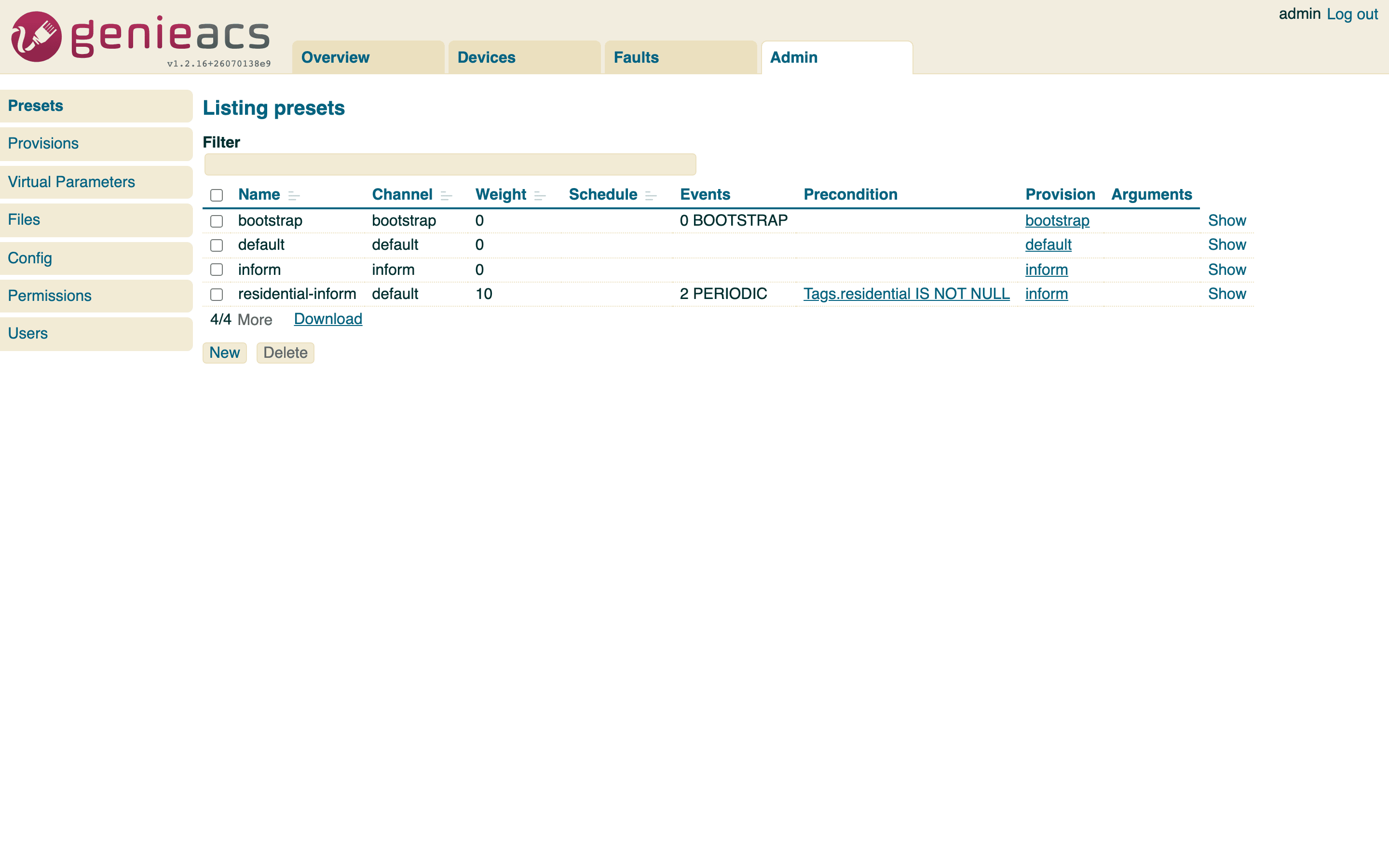
Presets (Admin > Presets) apply a provision to every device matching a precondition, for example a tag.
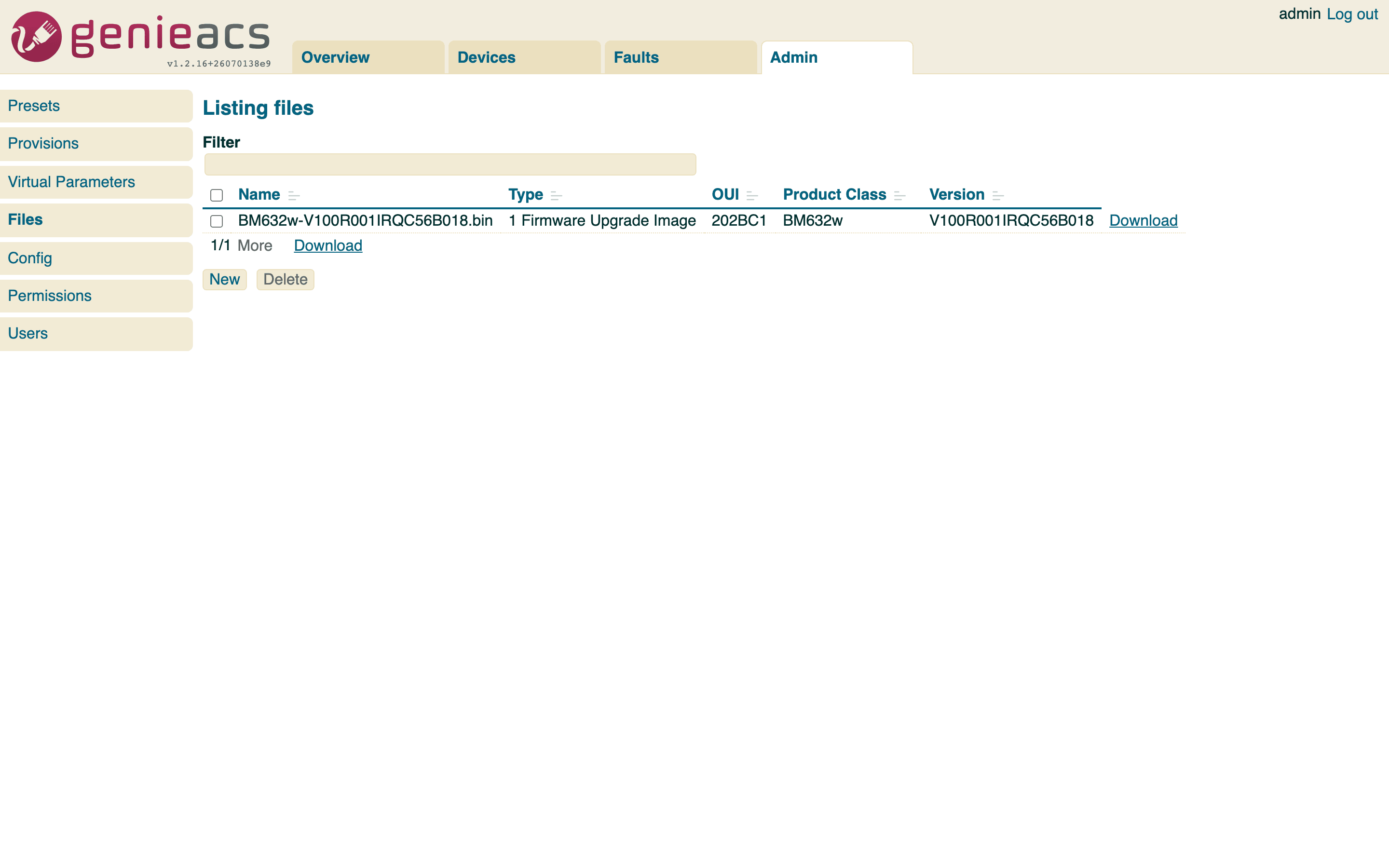
Files (Admin > Files) are what a "Push file" task or a provision's download points a device at, uploaded
through the console or with PUT /files/<name> on the NBI with the fileType, oui, productClass and
version headers.
Extension scripts
GenieACS runs provision extensions from GENIEACS_EXT_DIR, /opt/genieacs/ext in the image. Compose
mounts the ext_volume volume there; put your scripts in it, for example with
docker cp my-ext.js genieacs:/opt/genieacs/ext/. In the Helm chart the same path is backed by the
chart's persistent volume when persistence.enabled is true.
Logs
docker compose logs -f genieacsshows supervisord starting, stopping and restarting the four services.- Each service writes its own output to
/var/log/genieacs/genieacs-<service>.log, for examplegenieacs-cwmp.log. That is where errors show up. - The access logs and the debug log sit in the same directory; the
GENIEACS_*_ACCESS_LOG_FILEandGENIEACS_DEBUG_FILEvariables set their paths. - cron runs logrotate daily on those files: 30 days kept, compressed, dated names.