Usage
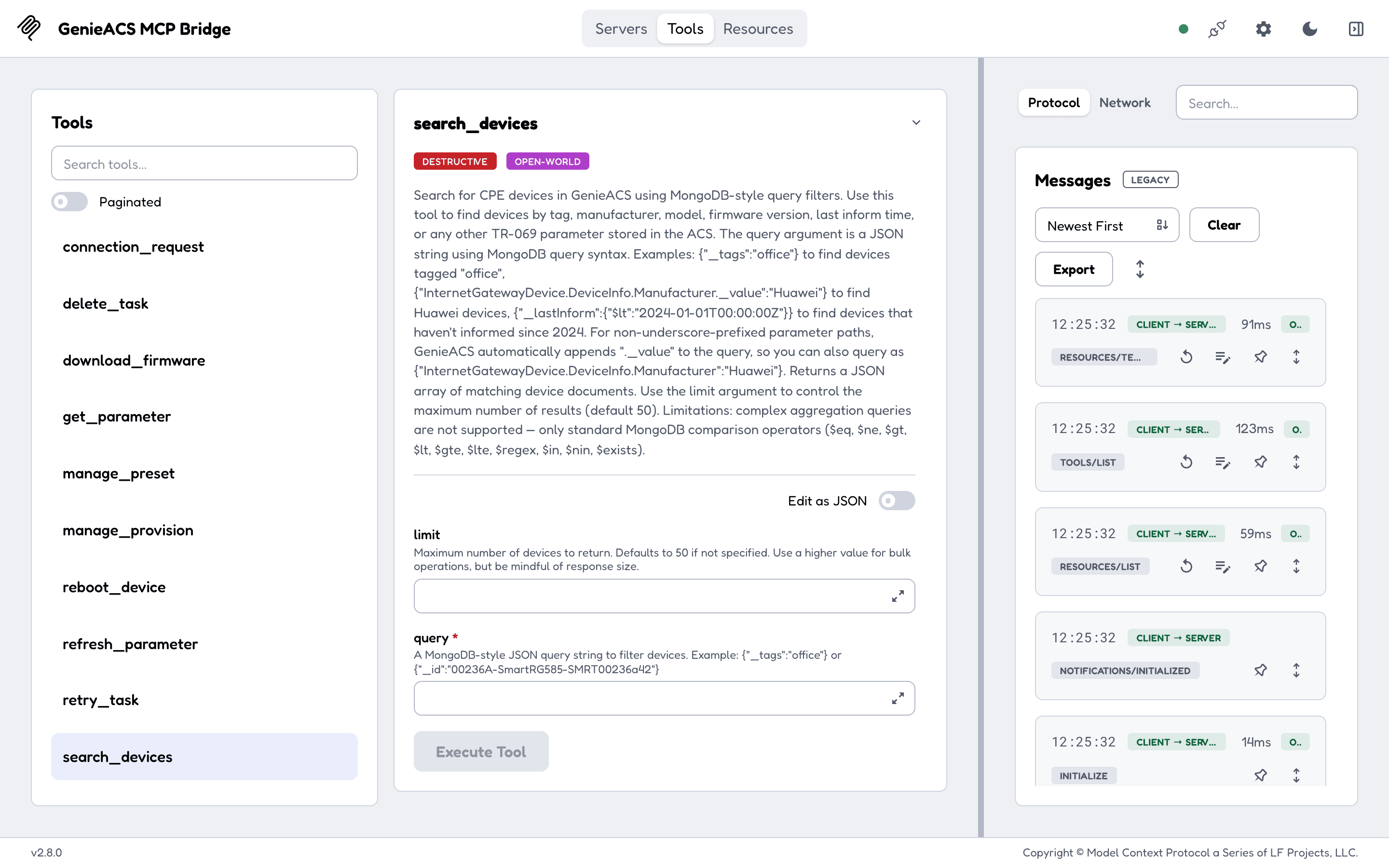
Once the server is in your client (see Configuration), you talk to your devices through the client. This page is what the client sees: 7 resources it can read and 12 tools it can call, and which of them change something.
Example prompts
- "Which devices have not informed in the last 24 hours?" (the client calls
search_deviceswith a_lastInformfilter) - "What firmware do the devices tagged
pilotrun?" (search_devicesby tag, thenget_parameterforInternetGatewayDevice.DeviceInfo.SoftwareVersionon each) - "Reboot 202BC1-BM632w-000002 and tell me when it is back" (
reboot_device, thenrefresh_parameterfor the uptime)
Resources (read-only)
| URI | Returns |
|---|---|
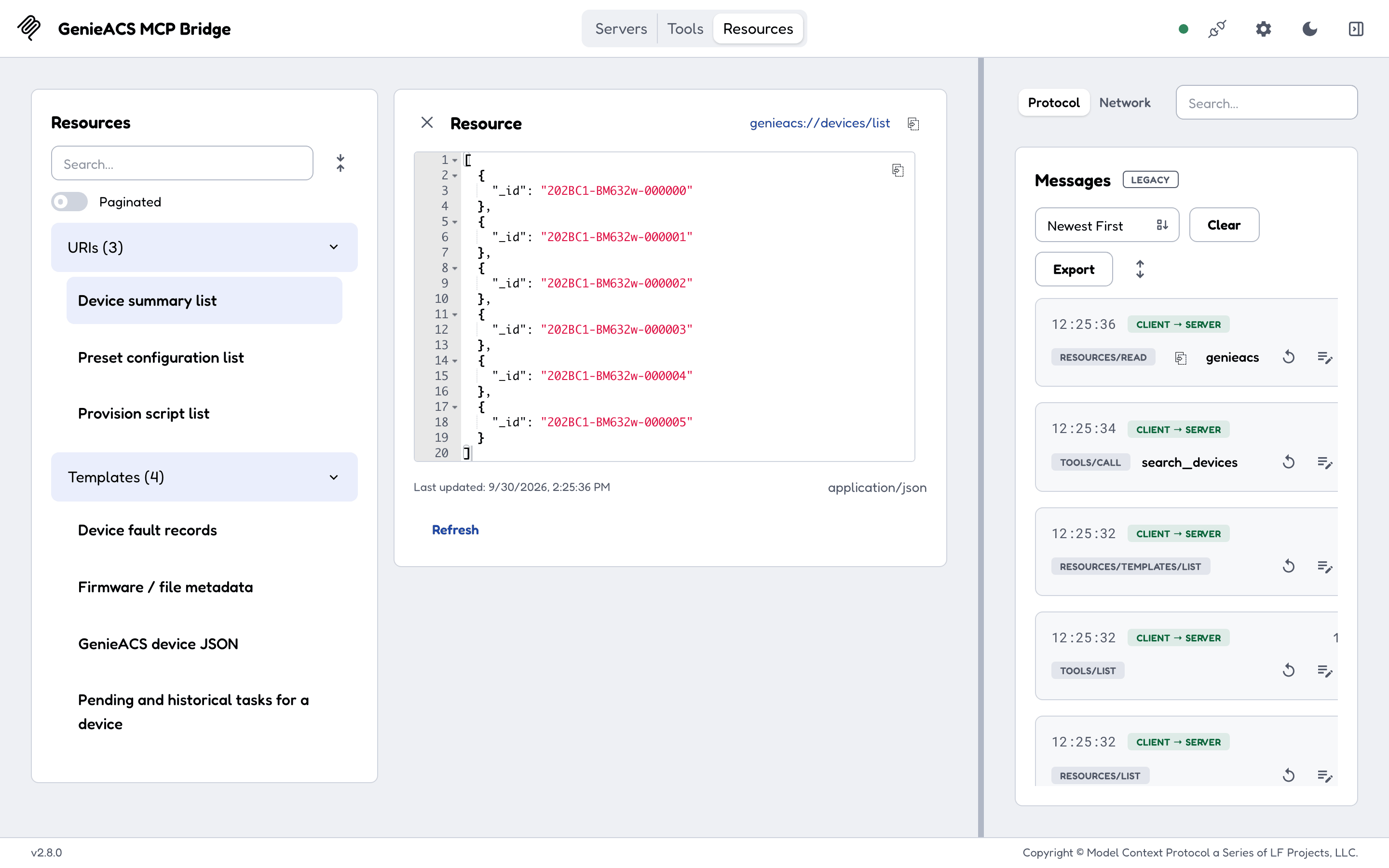
genieacs://devices/list |
The ids of every device the ACS knows, up to DEVICE_LIMIT (default 500). Read this first to get valid ids. |
genieacs://device/{id} |
One device's full document: every parameter the ACS has collected, tags, last inform time, task history. |
genieacs://tasks/{id} |
The tasks still waiting for device {id}. GenieACS deletes a task once the device has run it, so a finished task is gone; a faulted one stays, with its fault under faults/{id}. |
genieacs://faults/{id} |
The faults recorded for device {id}. |
genieacs://file/{name} |
The metadata of a file stored on the ACS (a firmware image, a config file). |
genieacs://presets/list |
Every preset on the ACS. |
genieacs://provisions/list |
Every provision script on the ACS. |
Tools
Two tools only read. The other ten queue a task on a device (the ACS sends a connection request at once, so a reachable device runs it within seconds), wake a device, or change the ACS. There is no read-only mode: the tool list is the same for every client, so use your client's approval prompts for the ones that act.
| Tool | Arguments | What it does | Reads or acts |
|---|---|---|---|
search_devices |
query (JSON string, MongoDB syntax), limit (default 50) |
Finds devices by tag, manufacturer, model, firmware, last inform or any parameter. Comparison operators only ($eq, $ne, $gt, $lt, $gte, $lte, $regex, $in, $nin, $exists). |
reads |
get_parameter |
device_id, parameter_path (one path or a comma-separated list) |
Returns the last values the ACS has for those parameters, without contacting the device. Stale if the device has not informed recently. | reads |
refresh_parameter |
device_id, parameter |
Asks the device to report one parameter's current value; read it afterwards from genieacs://device/{id}. |
acts |
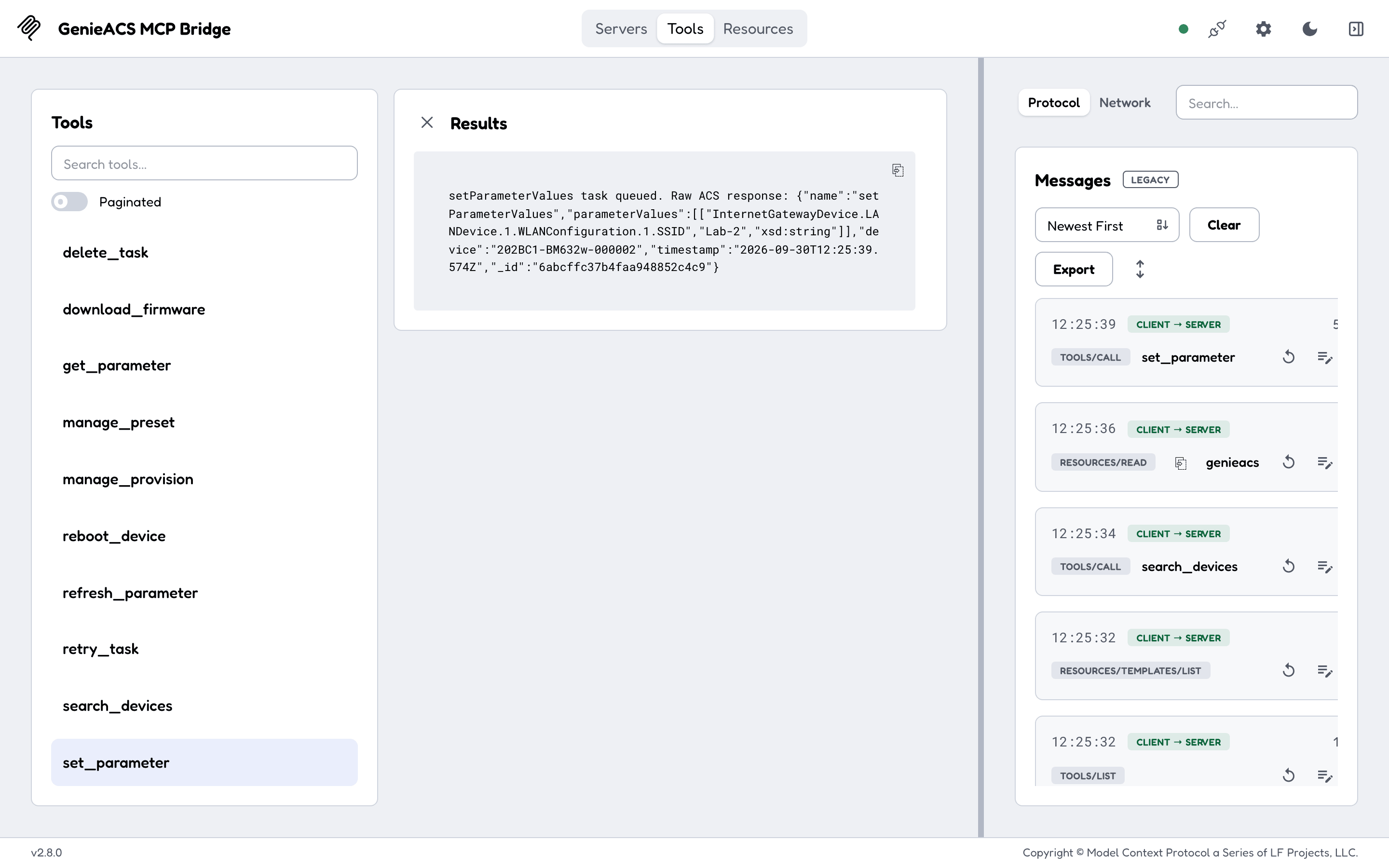
set_parameter |
device_id, parameter_values (JSON array of [path, value] or [path, value, xsdType] tuples; example below the table) |
Writes parameter values on the device; the type is inferred when omitted. | acts |
reboot_device |
device_id |
Reboots the device. No confirmation that it came back; check uptime afterwards. | acts |
download_firmware |
device_id, file_id, filename (optional) |
Tells the device to download and apply a file stored on the ACS. | acts |
connection_request |
device_id |
Wakes the device so it contacts the ACS now. Fails with 504 when the device is unreachable (NAT, offline). | acts |
tag_device |
device_id, tag, action (add or remove) |
Adds or removes a tag; presets match on tags. | acts |
manage_preset |
action (put or delete), name, body (JSON, for put) |
Creates, replaces or deletes a preset on the ACS. | acts |
manage_provision |
action (put or delete), name, script (for put) |
Creates, replaces or deletes a provision script on the ACS. | acts |
delete_task |
task_id |
Removes a queued task. | acts |
retry_task |
task_id |
Re-queues a failed task. | acts |
A parameter_values example for set_parameter, renaming the WiFi network:
On the wire
The client speaks MCP JSON-RPC to the server: initialize, then resources/list, resources/read,
tools/list and tools/call. Over HTTP everything goes to the single /mcp endpoint; over stdio,
one JSON-RPC message per line. A worked exchange is on Getting started.