How it works
Supported formats
| Format | Type | Extraction Method |
|---|---|---|
| Book / Magazine / Comic | First-page rendering via built-in PDFium (no external tools needed) | |
| EPUB | Book | Archive introspection with 3-tier image search |
| MOBI / AZW / AZW3 | Book | Cover record named by the EXTH header (tag 201), else the first image records |
| CBZ / CBR | Comic / Manga | Image named as the cover, else the first page in natural page order (built-in ZIP/RAR reading, no external tools) |
| MP3 | Audiobook / Music | Embedded art via ffmpeg raw stream copy |
| M4A / M4B | Audiobook / Music | Embedded art via ffmpeg raw stream copy |
| FLAC | Audiobook / Music | Embedded art via ffmpeg raw stream copy |
| OGG / Opus | Audiobook / Music | Embedded art via ffmpeg raw stream copy |
| WMA | Audiobook / Music | Embedded art via ffmpeg raw stream copy |
| AAC | Audiobook / Music | Embedded art via ffmpeg raw stream copy |
| WAV | Audiobook / Music | Embedded art via ffmpeg raw stream copy |
| Folder | Audiobook | Sidecar image lookup, then first-file embedded art |
| Any | All | Online fallback via Open Library and Google Books |
PDF: first page rendering
The plugin renders the first page of a PDF as a JPEG using a bundled PDFium native library (via the PDFtoImage NuGet package). No external tools like poppler-utils or pdftoppm are required. DPI is configurable, and a per-render timeout prevents hangs on malformed files. The native library is included for Linux (x64, arm64, musl), macOS, and Windows.
EPUB: 3-tier archive search
EPUBs are ZIP archives. When other plugins fail to extract a cover, SmartCovers opens the archive and searches with three strategies, in order:
- By filename: files explicitly named
cover,portada,front,frontcover, orbook_cover(with any image extension). - By path: any image file with
coverin its full archive path (e.g.,OEBPS/Images/cover-image.jpg). - By size: the largest image in the archive (above 5 KB, to skip icons and logos).
MOBI
A MOBI or AZW file is a PalmDB container: a record table, then the records, with the MOBI header in the first record saying where the image records begin. SmartCovers takes the cover record named by the EXTH header (tag 201), then its thumbnail, else the first image records; no external tools are needed.
CBZ / CBR: comic archive first page
Comic archives are containers of page images: CBZ is a ZIP, CBR is a RAR. SmartCovers opens them with format detection based on the file content, not the extension. Mislabeled archives (a RAR renamed to .cbz, a ZIP renamed to .cbr) are common in the wild and still work. Both RAR4 and RAR5 are supported, including solid archives.
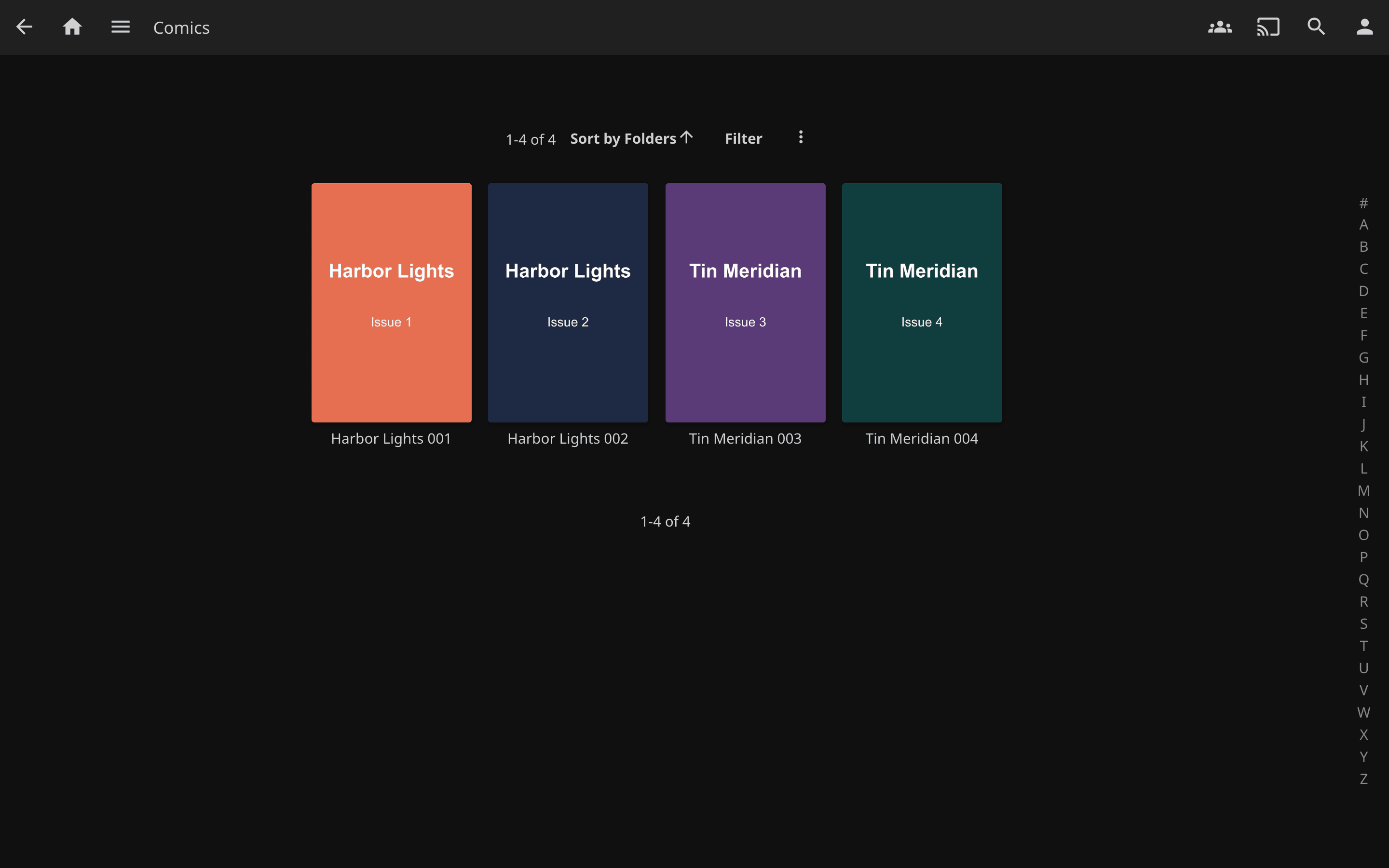
Cover selection follows comic conventions:
- Explicit cover entry: an image named
cover,portada,front,frontcover, orbook_coveranywhere in the archive wins. - First page in natural order: otherwise the first image page is the cover, using natural sort so
page-2.jpgcorrectly precedespage-10.jpg(plain alphabetical order would not).
macOS junk entries (__MACOSX/, AppleDouble ._* files), hidden files, and tiny images (icons/thumbnails) are skipped, and every candidate is verified by magic bytes before being used, so an entry with an image extension but garbage content is passed over. Everything runs in-process; no external tools are required.
Audio: raw stream copy with magic-byte detection
Jellyfin's built-in Image Extractor uses ffmpeg to decode embedded artwork. This fails when the codec tag does not match the actual data, a common problem in MP3 files where JPEG cover art is tagged as PNG in ID3 metadata.
SmartCovers sidesteps this entirely by using ffmpeg -vcodec copy to raw-copy the embedded image stream without decoding. It then identifies the actual format by inspecting magic bytes:
| Magic Bytes | Detected Format |
|---|---|
FF D8 FF |
JPEG |
89 50 4E 47 |
PNG |
47 49 46 |
GIF |
42 4D |
BMP |
52 49 46 46 ... 57 45 42 50 |
WebP |
Any leading null/padding bytes injected by the raw stream copy are stripped automatically.
Folder-Based Audiobooks
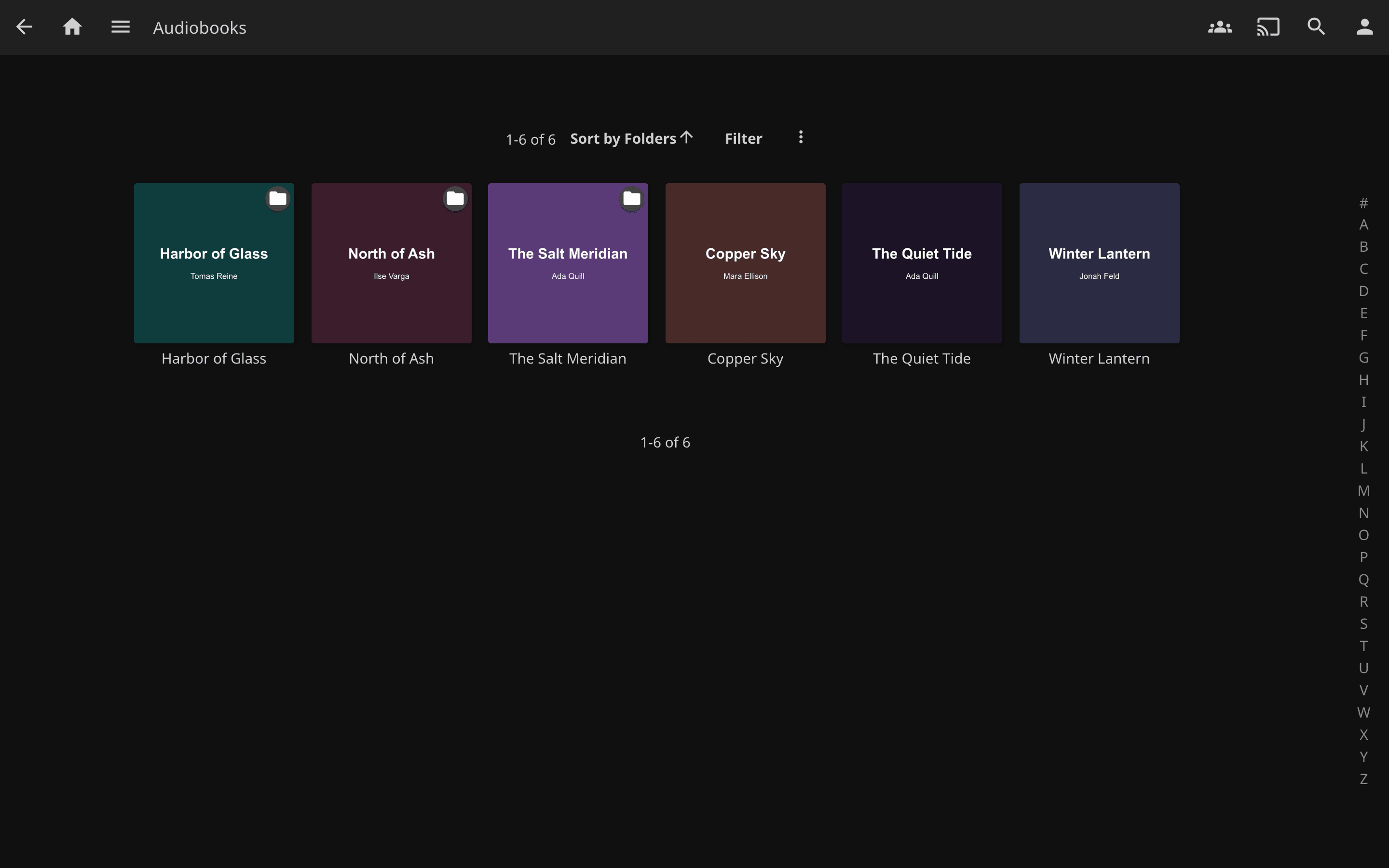
For multi-file audiobooks stored as a directory of chapter files, the plugin:
- Works out which folder names the book. A track is called
01orPista 1, which identifies nothing, so the folder name is used instead, and for a multi-disc rip (CD1,Disco 3,<title> CD 4, or a bare number) the folder above the disc. It never climbs to the library root, and never treats a shelf of several books as one book. - Checks for an image file in that folder: an exact
cover.jpg/folder.jpg/front.jpg/poster.jpg/thumb.jpg, then any image whose name contains a cover word (CoverArt.jpg), then, if the folder holds exactly one image, that image. - Falls back to embedded art from the first audio file, looking inside the first disc subfolder when the folder itself holds no audio.
- Remembers the result per book folder, hit or miss, so a hundred-track rip costs one lookup rather than a hundred.
Online Cover Fetching (Last Resort)
When all local extraction methods fail, the plugin can search online sources for a matching cover:
- Open Library (openlibrary.org): searched first, using title and author metadata.
- Google Books (books.google.com): searched as a fallback, preferring the highest-resolution image available.
- If the author-qualified search finds nothing, the title alone is retried; then title and author swapped, since plenty of folders are named
<Author> - <Title>and nothing in the name says which half is which; then the main title with its subtitle dropped, which is how catalogues index a title.
A title that identifies nothing is never searched for. A numbered disc folder yields the title 2, which matches hundreds of thousands of books, and the first one's cover would otherwise be shipped as yours. The subtitle retry is likewise limited to multi-word main titles.
The plugin parses clean titles and authors from item metadata, stripping common audiobook filename noise (format tags like (Mp3), locale tags like [Castellano], Audible codes, year suffixes, and series indicators). No API keys are required. Fetched covers are cached by Jellyfin after the first scan, so online lookups only happen once per item.
This feature is enabled by default and can be toggled in the plugin settings.
Refreshing Covers That Were Missed
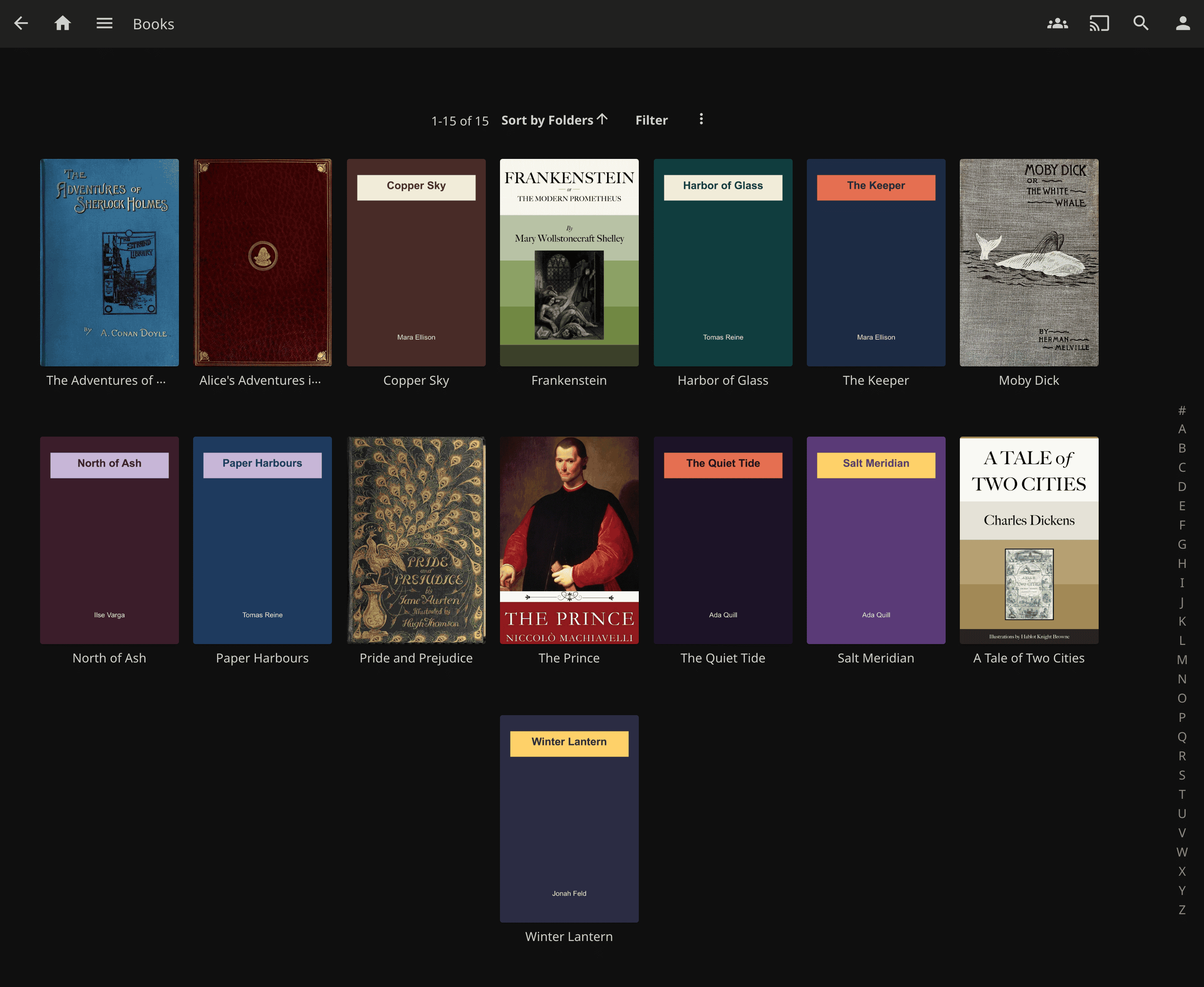
Jellyfin asks image providers for a cover once, when an item is new, and does not come back to a miss. So anything already in your library when you installed the plugin keeps its blank tile, however well the plugin works from then on, and so does anything that was scanned while an online catalogue happened to be rate-limited.
The plugin ships a scheduled task, Refresh items missing a cover, to close that gap. It finds books, audiobooks and audiobook folders with no primary image in the libraries where SmartCovers is enabled as an image fetcher, and refreshes their images; metadata is left alone and any image you already have is kept. It runs daily at 04:00 by default, and you can run it on demand from Dashboard -> Scheduled Tasks, where its schedule can also be changed or the task disabled.